
Lenovo ThinkPad Charger (Types, Compatibility, Issues & Complete Guide)
If you are searching for a lenovo thinkpad charger, you are likely trying to buy a new charger, replace a faulty one, or understand which charger is compatible with your laptop.
ThinkPad laptops are known for their durability and performance, but choosing the correct charger is very important. Using the wrong charger can lead to slow charging, battery damage, or even hardware issues.
In this complete guide, you’ll learn everything about Lenovo ThinkPad chargers — including types, specifications, compatibility, common issues, and how to choose the right one.
Read Also: Undoing Changes Made to Your Computer Lenovo (Fix Stuck Error Fast)
What Is a Lenovo ThinkPad Charger?
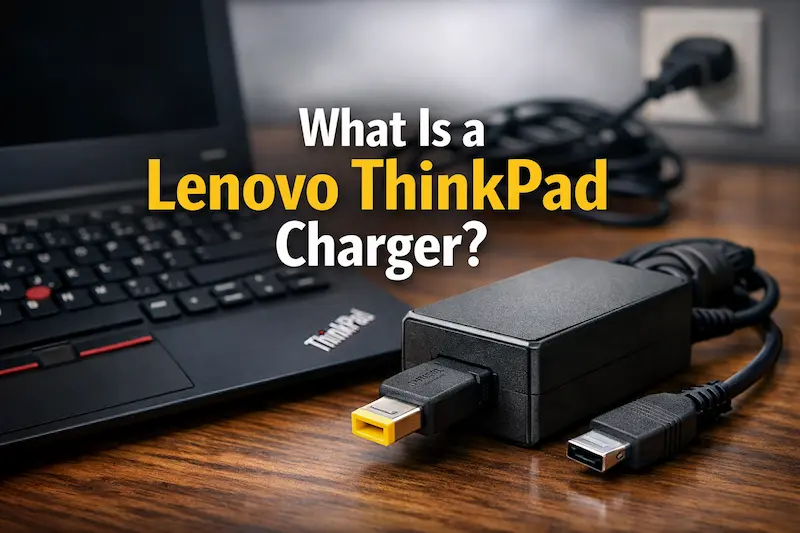
A Lenovo ThinkPad charger is a power adapter designed specifically to supply the correct voltage and current required by ThinkPad laptops.
It consists of:
- Power adapter (brick)
- Charging cable
- Connector (plug type)
The charger converts AC power into DC power suitable for your laptop.
Types of Lenovo ThinkPad Chargers
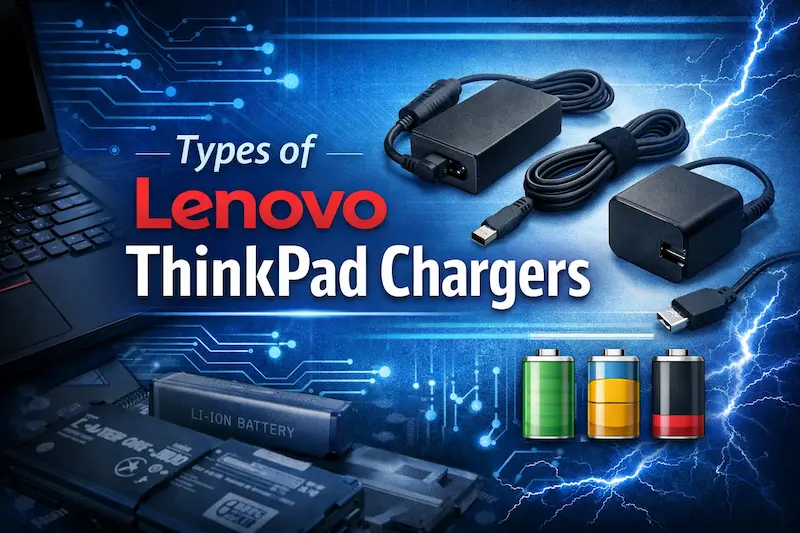
Lenovo uses different charger types depending on the model and generation.
1. Round Pin Charger (Older Models)
- Circular connector
- Used in older ThinkPads
2. Slim Tip Charger (Yellow Tip)
- Rectangular yellow connector
- Common in mid-range ThinkPads
3. USB-C Charger (Modern Models)
- Type-C connector
- Supports fast charging
This is the latest standard used in newer ThinkPad models.
Lenovo ThinkPad Charger Wattage
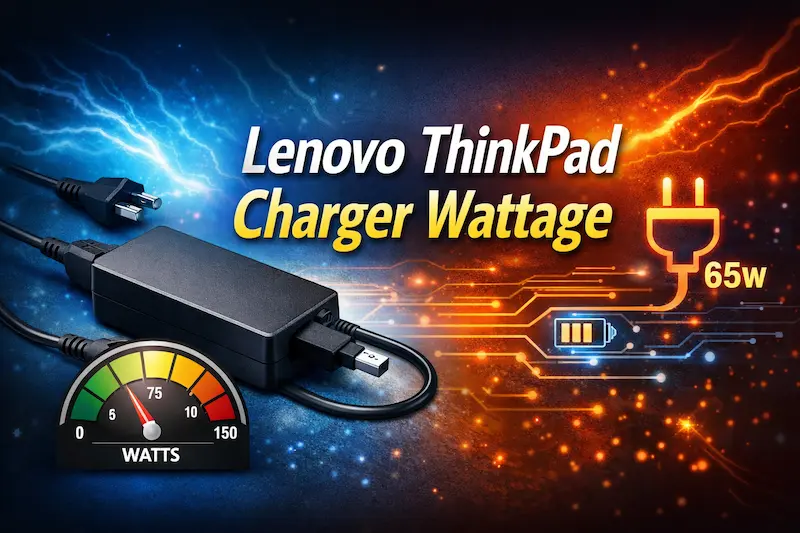
Different ThinkPads require different power levels.
Common Wattages:
| Wattage | Usage |
|---|---|
| 45W | Basic laptops |
| 65W | Standard use |
| 90W | High-performance laptops |
| 135W+ | Workstations |
Important Tip:
Always use equal or higher wattage, but never lower.
How to Check Compatible Charger for Your ThinkPad
Method 1: Check Old Charger
Look at label on adapter:
- Voltage (V)
- Current (A)
- Wattage (W)
Method 2: Check Laptop Model
Search your ThinkPad model online to find compatible charger.
Method 3: Check Charging Port
Identify connector type:
- Round
- Slim Tip
- USB-C
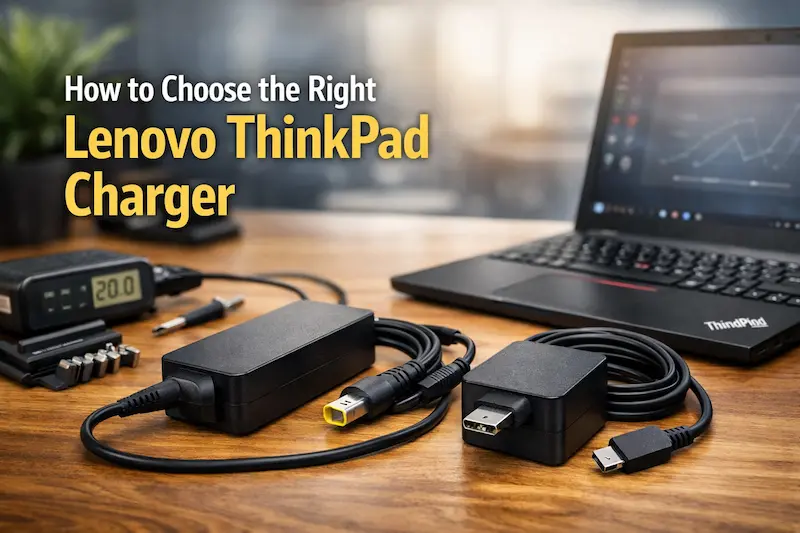
How to Choose the Right Lenovo ThinkPad Charger
1. Match Voltage
Voltage must match exactly.
2. Check Wattage
Use same or higher wattage.
3. Choose Correct Connector
Wrong connector = incompatible charger.
4. Buy Original or High-Quality Charger
Avoid cheap duplicates.
Original vs Fake Lenovo Chargers
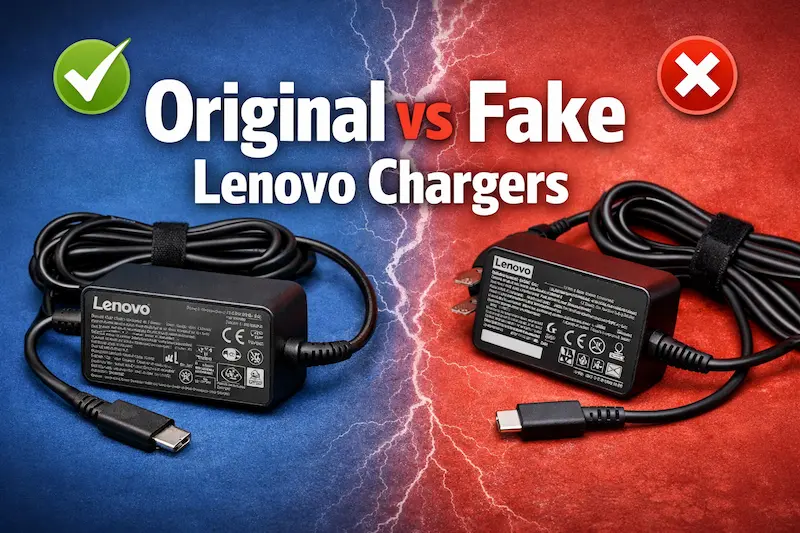
Original Charger:
- Safe and reliable
- Stable power output
- Long lifespan
Fake Charger:
- Unstable voltage
- Overheating issues
- Risk of damage
Recommendation:
Always choose original or certified charger.
Common Lenovo ThinkPad Charger Issues
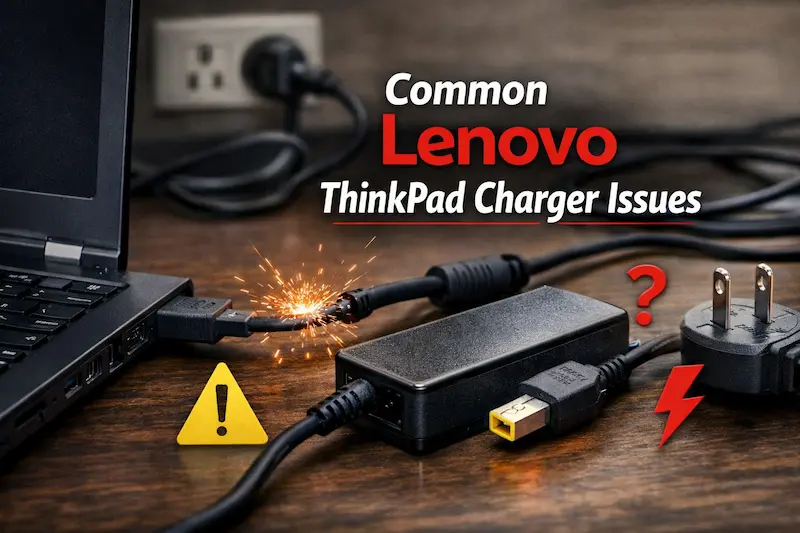
1. Laptop Not Charging
Possible causes:
- Faulty charger
- Loose cable
- Battery issue
2. Slow Charging
Causes:
- Low wattage charger
- Background usage
3. Charger Heating Up
Some heat is normal, but excessive heat indicates:
- Poor quality charger
- Overload
4. Charger Not Recognized
Lenovo may show:
- “Plugged in, not charging”
How to Fix Lenovo ThinkPad Charger Not Working
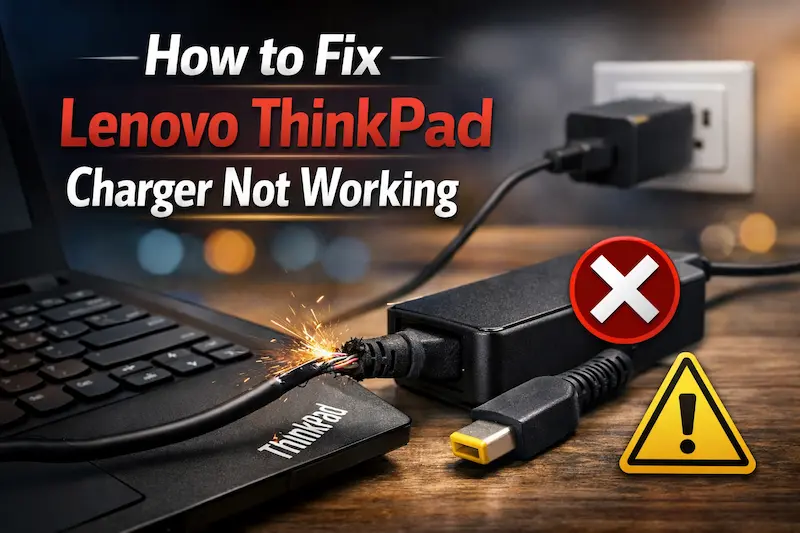
Fix 1: Check Power Source
- Try different outlet
- Ensure stable electricity
Fix 2: Inspect Cable
Look for:
- Cuts
- Bends
- Loose connections
Fix 3: Reset Laptop
- Shut down laptop
- Disconnect charger
- Hold power button 30 seconds
Fix 4: Update Drivers
- Update battery drivers
- Restart system
USB-C Charging on ThinkPad
Modern ThinkPads use USB-C charging.
Benefits:
- Fast charging
- Universal compatibility
- Supports power delivery
Important:
Use charger with Power Delivery (PD) support.
Can You Use Any USB-C Charger?
Not all USB-C chargers are equal.
Requirements:
- Correct wattage
- Power Delivery support
Low-quality chargers may not work properly.
Lenovo ThinkPad Charger Price (2026)
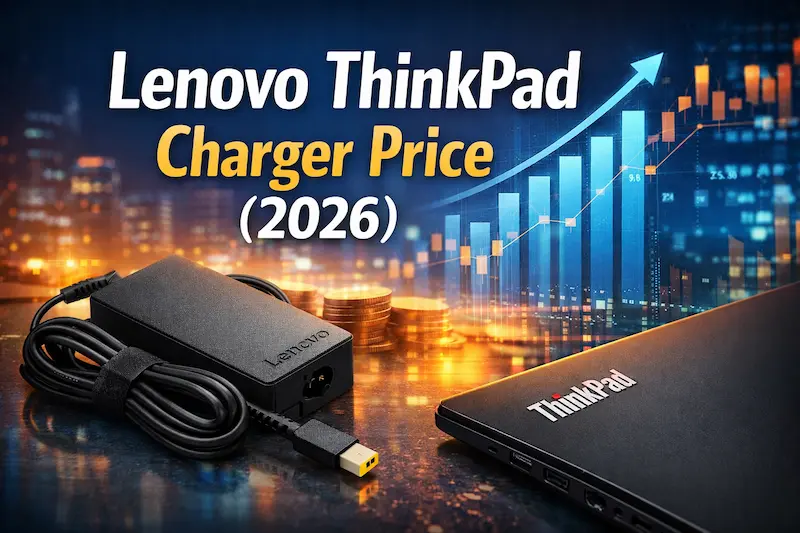
Estimated Price Range:
| Type | Price |
|---|---|
| 45W charger | Rs. 2,500 – 4,000 |
| 65W charger | Rs. 3,000 – 6,000 |
| 90W charger | Rs. 4,000 – 8,000 |
| USB-C charger | Rs. 4,000 – 10,000 |
Tips to Extend Charger Life
- Avoid bending cable
- Keep charger cool
- Use original adapter
- Do not overload
Common Mistakes Users Make
Avoid these:
- Using low wattage charger
- Buying cheap duplicates
- Ignoring compatibility
When to Replace Your Charger
Replace charger if:
- Laptop not charging
- Cable damaged
- Overheating occurs
Alternatives to Lenovo Chargers
You can use:
- Third-party certified chargers
- USB-C PD chargers
But ensure compatibility.
Final Verdict
The lenovo thinkpad charger is a critical component for your laptop’s performance and safety. Choosing the right charger ensures proper charging, protects your battery, and extends the lifespan of your device.
Always match voltage, choose correct wattage, and prefer original or high-quality chargers. Avoid cheap alternatives that may damage your laptop.
Understanding charger types and compatibility will help you make the right decision and avoid unnecessary problems.
Also visit Digital Global Times for more quality informative content.
