
White Spot on Lenovo Laptop Screen (Causes, Fixes & Solutions)
If you’ve noticed a white spot on lenovo laptop screen, you’re not alone. This is a common issue that many users face, especially after prolonged use or accidental pressure on the display.
The good news is that some white spots can be fixed easily, while others may require screen replacement. In this guide, you’ll learn the exact causes, practical fixes, and when it’s time to stop trying DIY solutions.
Read Also: The Lenovo ThinkPad X Series: A Complete Review
What Is a White Spot on a Laptop Screen?
A white spot is a bright patch or small glowing area that appears on your laptop display. It usually stands out more on dark backgrounds and can be distracting during work or watching videos.
These spots are typically caused by physical or internal display issues, rather than software problems. That means restarting your laptop will not solve it.
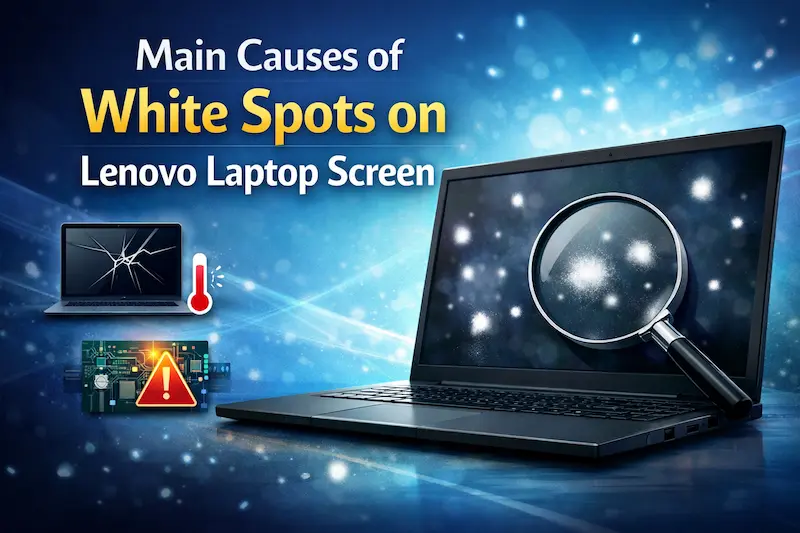
Main Causes of White Spots on Lenovo Laptop Screen
Understanding the cause is the first step toward fixing the problem.
Pressure Damage
One of the most common causes is pressure applied to the screen.
This can happen when:
- You close the laptop with an object inside
- You press the screen too hard while cleaning
- The laptop is stored improperly
Pressure damages the LCD layers, causing light to leak through and create white spots.
Dead Pixels
A dead pixel is a tiny dot that no longer displays colors correctly.
Unlike pressure marks:
- Dead pixels are usually small
- They do not spread
- They remain fixed in one place
Backlight Issues
Modern Lenovo laptops use LED backlights. If the backlight layer becomes uneven, it can cause visible white patches.
This is more common in:
- Older laptops
- Budget models
- Screens exposed to heat
How to Fix White Spot on Lenovo Laptop Screen
Now let’s look at practical solutions.
Gentle Pressure Method
This method works only for minor pressure marks.
Steps:
- Turn off your laptop
- Use a soft cloth
- Gently press around the white spot
- Turn the screen back on
This can help redistribute the LCD layers.
Important: Do not press too hard, or you may worsen the damage.
Pixel Fixing Software
If the issue is a stuck pixel, you can try software tools.
These tools:
- Rapidly change colors
- Stimulate pixel activity
Examples include:
- JScreenFix
- UDPixel
This method is safe and worth trying before hardware repair.
Cleaning and Inspection
Sometimes, dirt or pressure marks may look like white spots.
Clean your screen using:
- Microfiber cloth
- Screen-safe cleaning solution
Always clean gently and avoid liquid entering the panel.
Read Also: Lenovo IdeaPad 330 Windows 7 Installation Guide (Complete 2026 Guide)
When You Cannot Fix the White Spot
In some cases, the damage is permanent.
You cannot fix the issue if:
- The spot is large and spreading
- It appeared after a drop or impact
- Multiple white patches are visible
These signs indicate internal LCD damage, which requires replacement.
Screen Replacement Cost in 2026
If repair is not possible, replacement is the only option.
Here’s an estimated cost:
| Type | Price Range |
|---|---|
| Basic LCD | Rs. 5,000 – 8,000 |
| HD Screen | Rs. 8,000 – 12,000 |
| Full HD IPS | Rs. 12,000 – 15,000 |
Prices vary depending on:
- Screen size
- Resolution
- Model availability
DIY vs Professional Repair
DIY Repair
Best for:
- Minor pressure marks
- Pixel issues
Not recommended for:
- Internal damage
- Screen replacement
Professional Repair
Choose a technician if:
- White spot is permanent
- Screen flickering occurs
- Multiple issues appear
Professional repair ensures safe replacement and proper installation.
How to Prevent White Spots on Laptop Screen
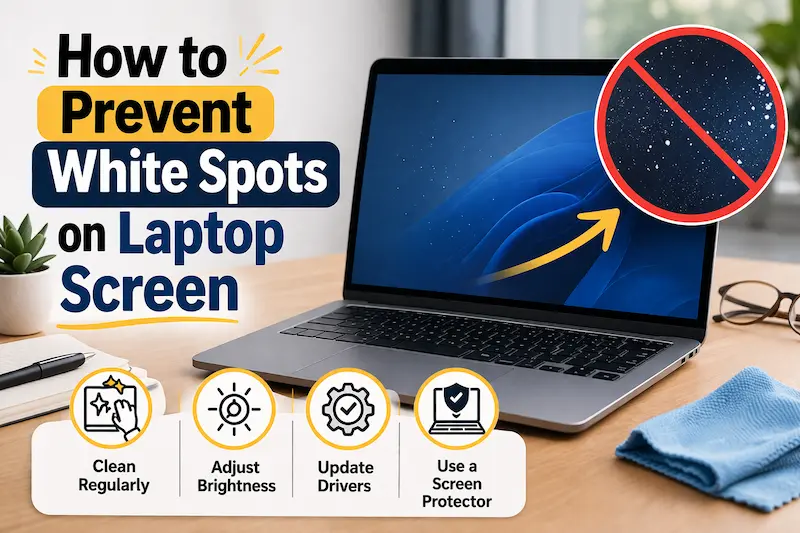
Prevention is always better than repair.
Follow these tips:
- Avoid pressing the screen
- Use a padded laptop bag
- Do not place objects on keyboard
- Clean screen gently
- Close lid carefully
These simple habits can extend your screen life significantly.
Final Verdict
A white spot on lenovo laptop screen can be either a minor issue or a sign of serious hardware damage.
If the spot is small, try simple fixes like pressure adjustment or pixel tools. However, if the issue persists, screen replacement is the most reliable solution.
Understanding the cause will help you avoid unnecessary repairs and make the right decision.
Also visit Digital Global Times for more quality informative content.
